
Delta Force: Hawk Ops PC Requirements in 2026 — Can Your Rig Keep Up?
Delta Force: Hawk Ops system requirements and PC requirements reveal the hardware needed for smooth FPS action in 2026.
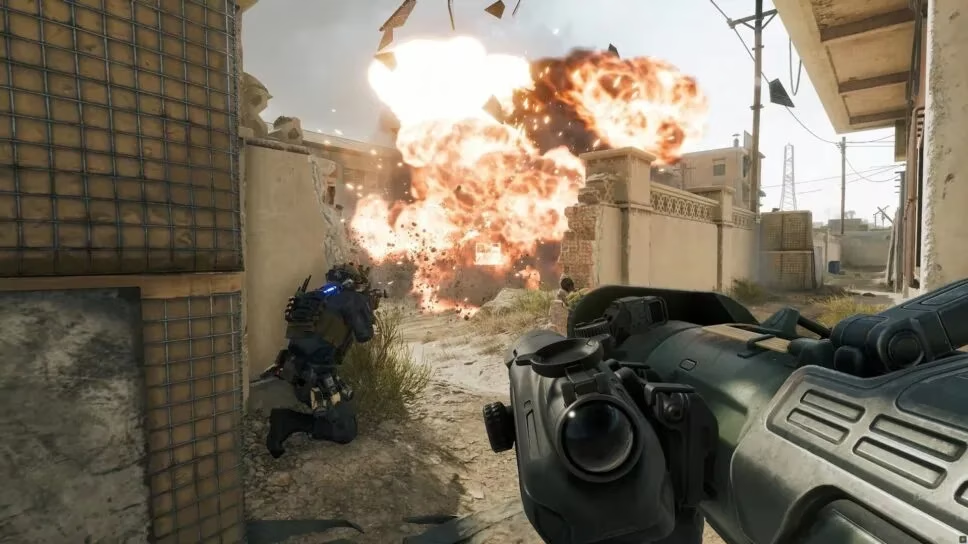
In 2026, I still meet a surprising number of FPS players who assume a free-to-play shooter will run on almost anything. Delta Force: Hawk Ops is a large-scale free-to-play FPS from TiMi Studios, and after looking at the published PC requirements again, I can tell you that assumption is risky. Before I chase a Twitch Drop, register interest on Steam, or clear an evening for a few matches, I check one thing first: can my rig actually handle the game at a level that feels fair? The short answer is that the minimum specs will get me through the door, but the recommended specs are where the experience starts to make sense.
The minimum specs are a floor, not a target
Here is the baseline TiMi Studios has published, and I treat it as the practical starting point in 2026:
| Component | Minimum | Recommended |
|---|---|---|
| OS | Windows 10 64-bit | Windows 10 64-bit |
| Processor | Intel Core i3-4150 / AMD FX-6300 | Intel Core i5-6500 / AMD Ryzen 5 1500X |
| Memory | 12 GB RAM | 16 GB RAM |
| Graphics | Nvidia GeForce GTX 960 / AMD R9 380 / Intel Arc A380 | Nvidia GeForce GTX 1060 5G / AMD RX 5500 XT / Intel Arc A580 |
| DirectX | Version 12 | Version 12 |
| Network | Broadband internet connection | Broadband internet connection |
| Storage | 50 GB available space | 50 GB available space |
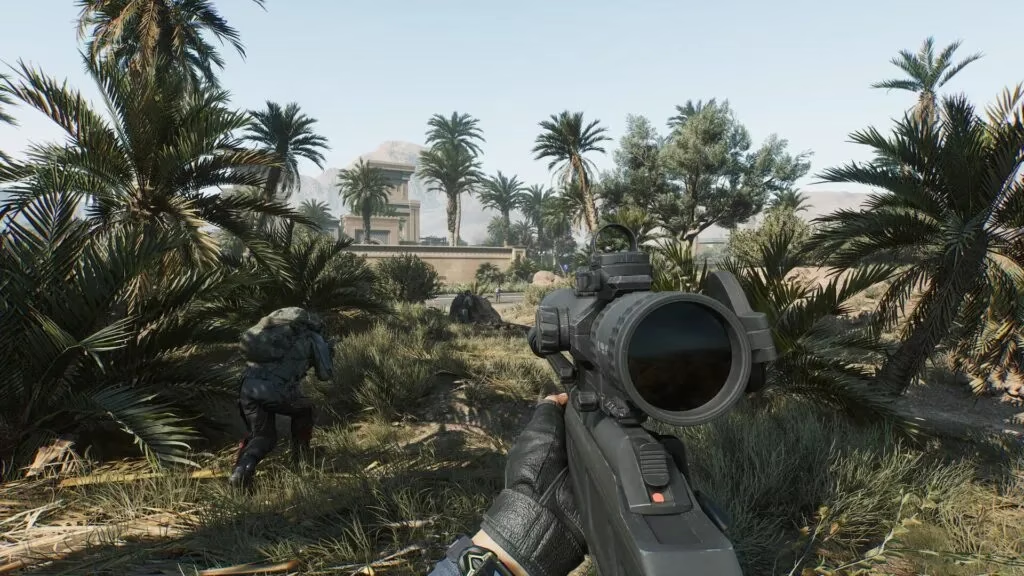
If I only meet the minimum, what should I expect? In my experience with large-scale FPS titles, 'minimum' means the game can boot and maybe hold together in quieter moments. It does not mean clean team fights, smooth destruction, or stable frame pacing. The minimum calls for an Intel Core i3-4150 or AMD FX-6300, 12 GB of RAM, and a GTX 960, R9 380, or Arc A380. Those parts are old enough that I would not plan a competitive session around them. Frame drops, stuttering, and crashes are common when a PC sits below the floor; in the worst case, the game will not boot at all, and I would be stuck retrying the same failure. 🎮
That is why I do not treat the minimum tier as a finish line. It is a warning label with a green check mark. If my system barely clears it, I should expect to lower settings, close background apps, and avoid judging the game on its most chaotic moments. Can a PC that only meets the minimum still be fun? Sometimes, yes. But I would not call it the intended experience.
Recommended specs: where the game looks and feels right
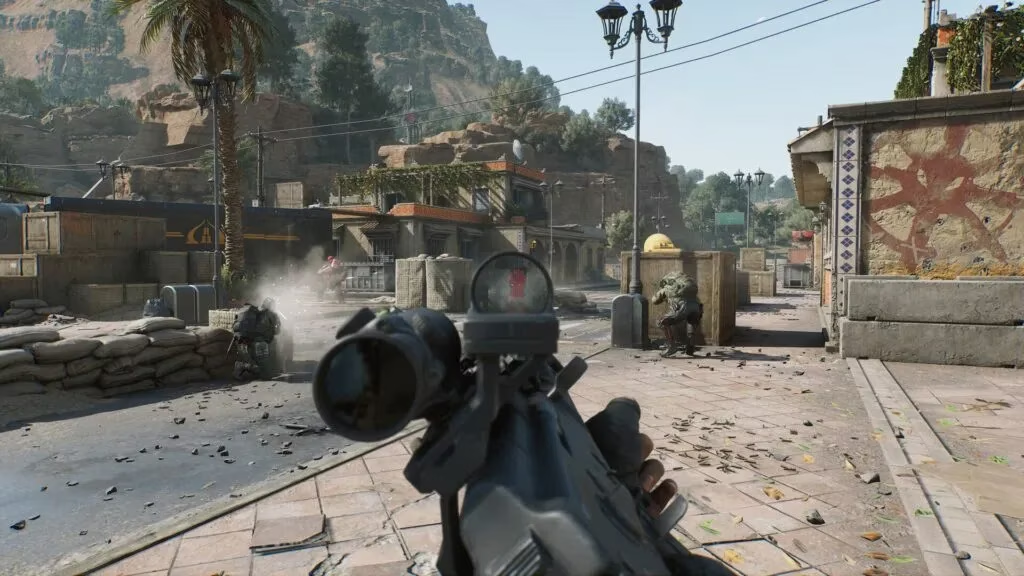
The recommended tier asks for an Intel Core i5-6500 or AMD Ryzen 5 1500X, 16 GB of RAM, and a GTX 1060 5G, RX 5500 XT, or Arc A580. I would not call these specs extravagant in 2026, but they are not trivial for an aging budget build either. This is the tier where I expect the game to look and feel closer to what TiMi Studios is selling: readable environments, destructive set pieces, and enough headroom to keep operator abilities from turning every fight into a slideshow. If I can play on Ultra settings, I will, because the environment and destruction are a big part of the appeal. If I cannot, the recommended tier is the sensible target for a balanced experience.
What the numbers do not tell me is just as important. Both tiers list 50 GB of storage, and I would leave extra headroom for patches and shader caches. A broadband connection is mandatory for a multiplayer FPS; a rig that meets every other spec but sits on unstable Wi-Fi will still feel broken. DirectX 12 is non-negotiable. The 12 GB minimum is also an awkward number, because many older systems have 8 GB or 16 GB. If I have 8 GB, I would not bother. If I have 12 GB, I would close everything else and lower my expectations. ⚙️
Modes, operators, and why performance matters
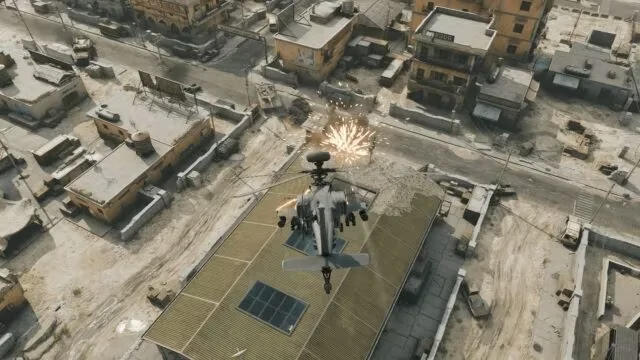
Delta Force has three separate game modes, and each one puts different pressure on the PC. Large-scale combat amplifies CPU and memory bottlenecks, while operator abilities can add visual noise and sudden shifts in a fight. I care about stable frames because a single stutter can decide an engagement. The operator roster is another reason I want consistent performance: abilities can turn the tide of battle, and I do not want to miss a cue because my PC is hitching. 📊
So, can a cinematic-looking free-to-play shooter really be judged on specs alone? No, but specs are the first filter. Before I invest time in learning operators, chasing drops, or registering for the next test, I want to know whether my hardware can keep up. The environment, destruction, and the rest of the game look incredible at the highest settings, but none of that matters if I am fighting my own frame rate.
My verdict for 2026
I would treat the recommended specs as the real entry point for anyone who wants to enjoy Delta Force: Hawk Ops without fighting their hardware. The minimum specs are useful for a quick check, but they are not a promise of a good time. If my PC sits between the two tiers, I would lower settings, cap the frame rate, update drivers, and test in the least demanding mode first. If my PC is below minimum, I would not spend time chasing drops or registrations until I upgrade. Harsh? Maybe, but it is better than repeated crashes.
What about you? Does your rig clear the recommended bar, or are you planning an upgrade before your next match? I know which side I would rather be on.
In 2026, I still meet a surprising number of FPS players who assume a free-to-play shooter will run on almost anything. Delta Force: Hawk Ops is a large-scale free-to-play FPS from TiMi Studios, and after looking at the published PC requirements again, I can tell you that assumption is risky. Before I chase a Twitch Drop, register interest on Steam, or clear an evening for a few matches, I check one thing first: can my rig actually handle the game at a level that feels fair? The short answer is that the minimum specs will get me through the door, but the recommended specs are where the experience starts to make sense.
The minimum specs are a floor, not a target
Here is the baseline TiMi Studios has published, and I treat it as the practical starting point in 2026:
| Component | Minimum | Recommended |
|---|---|---|
| OS | Windows 10 64-bit | Windows 10 64-bit |
| Processor | Intel Core i3-4150 / AMD FX-6300 | Intel Core i5-6500 / AMD Ryzen 5 1500X |
| Memory | 12 GB RAM | 16 GB RAM |
| Graphics | Nvidia GeForce GTX 960 / AMD R9 380 / Intel Arc A380 | Nvidia GeForce GTX 1060 5G / AMD RX 5500 XT / Intel Arc A580 |
| DirectX | Version 12 | Version 12 |
| Network | Broadband internet connection | Broadband internet connection |
| Storage | 50 GB available space | 50 GB available space |
If I only meet the minimum, what should I expect? In my experience with large-scale FPS titles, 'minimum' means the game can boot and maybe hold together in quieter moments. It does not mean clean team fights, smooth destruction, or stable frame pacing. The minimum calls for an Intel Core i3-4150 or AMD FX-6300, 12 GB of RAM, and a GTX 960, R9 380, or Arc A380. Those parts are old enough that I would not plan a competitive session around them. Frame drops, stuttering, and crashes are common when a PC sits below the floor; in the worst case, the game will not boot at all, and I would be stuck retrying the same failure. 🎮
That is why I do not treat the minimum tier as a finish line. It is a warning label with a green check mark. If my system barely clears it, I should expect to lower settings, close background apps, and avoid judging the game on its most chaotic moments. Can a PC that only meets the minimum still be fun? Sometimes, yes. But I would not call it the intended experience.
Recommended specs: where the game looks and feels right
The recommended tier asks for an Intel Core i5-6500 or AMD Ryzen 5 1500X, 16 GB of RAM, and a GTX 1060 5G, RX 5500 XT, or Arc A580. I would not call these specs extravagant in 2026, but they are not trivial for an aging budget build either. This is the tier where I expect the game to look and feel closer to what TiMi Studios is selling: readable environments, destructive set pieces, and enough headroom to keep operator abilities from turning every fight into a slideshow. If I can play on Ultra settings, I will, because the environment and destruction are a big part of the appeal. If I cannot, the recommended tier is the sensible target for a balanced experience.
What the numbers do not tell me is just as important. Both tiers list 50 GB of storage, and I would leave extra headroom for patches and shader caches. A broadband connection is mandatory for a multiplayer FPS; a rig that meets every other spec but sits on unstable Wi-Fi will still feel broken. DirectX 12 is non-negotiable. The 12 GB minimum is also an awkward number, because many older systems have 8 GB or 16 GB. If I have 8 GB, I would not bother. If I have 12 GB, I would close everything else and lower my expectations. ⚙️
Modes, operators, and why performance matters
Delta Force has three separate game modes, and each one puts different pressure on the PC. Large-scale combat amplifies CPU and memory bottlenecks, while operator abilities can add visual noise and sudden shifts in a fight. I care about stable frames because a single stutter can decide an engagement. The operator roster is another reason I want consistent performance: abilities can turn the tide of battle, and I do not want to miss a cue because my PC is hitching. 📊
So, can a cinematic-looking free-to-play shooter really be judged on specs alone? No, but specs are the first filter. Before I invest time in learning operators, chasing drops, or registering for the next test, I want to know whether my hardware can keep up. The environment, destruction, and the rest of the game look incredible at the highest settings, but none of that matters if I am fighting my own frame rate.
My verdict for 2026
I would treat the recommended specs as the real entry point for anyone who wants to enjoy Delta Force: Hawk Ops without fighting their hardware. The minimum specs are useful for a quick check, but they are not a promise of a good time. If my PC sits between the two tiers, I would lower settings, cap the frame rate, update drivers, and test in the least demanding mode first. If my PC is below minimum, I would not spend time chasing drops or registrations until I upgrade. Harsh? Maybe, but it is better than repeated crashes.
What about you? Does your rig clear the recommended bar, or are you planning an upgrade before your next match? I know which side I would rather be on.