
Delta Force in 2026: RTX 3080 Series Settings That Still Deliver Stunning FPS
Maximize Delta Force performance on your RTX 3080 with our tested best settings for stable 130-150 FPS at 1440p.
It was a dreary autumn evening in 2026 when Mark decided to dust off his digital library. Among the dozens of titles he had blazed through over the years, one name caught his eye: Delta Force. The tactical shooter had released with a bang back in December 2024, and even now, two years later, its gritty realism and fluid gunplay remained unmatched in the genre. He glanced over at his system – a trusty rig still powered by an RTX 3080 Ti, a card that had become something of an old warhorse. “Heck, let’s see if you’ve still got it,” Mark murmured to the GPU, almost as if it could hear him.
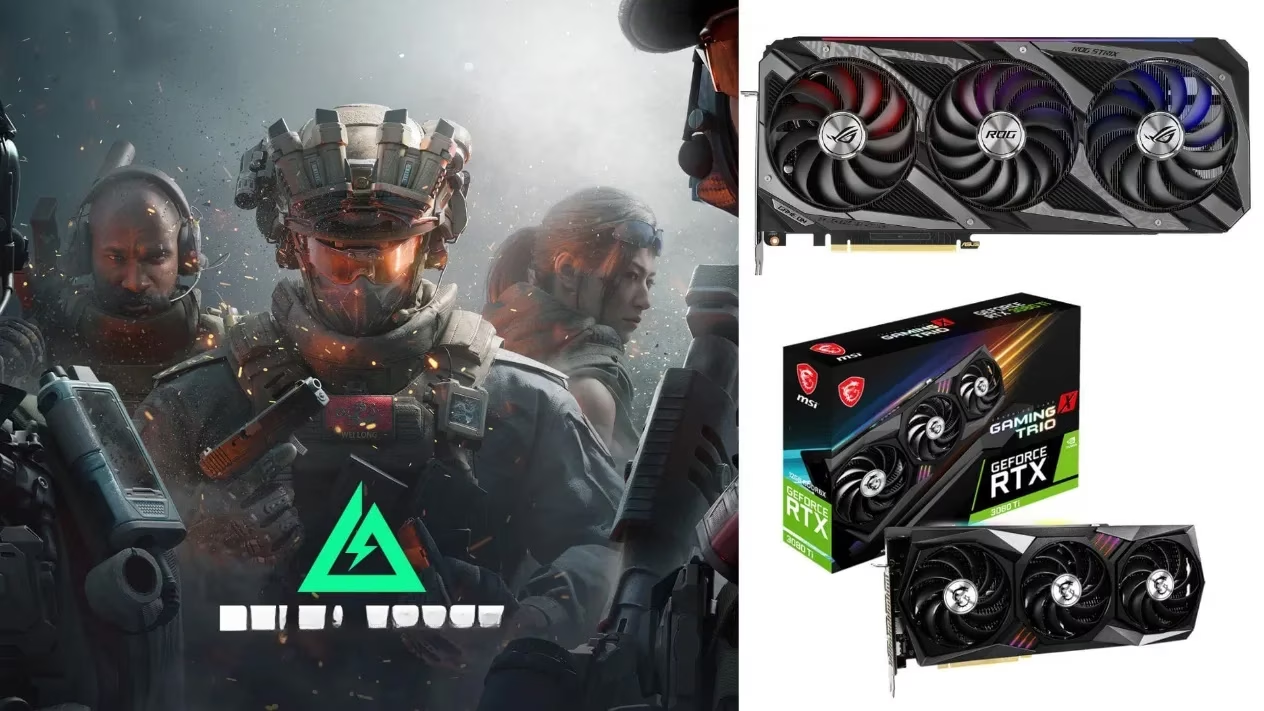
He hadn’t touched the game’s settings since the initial install, and a quick pang of nostalgia made him remember the optimization wizardry TiMi Studio Group had pulled off. Even back then, a humble GTX 1060 could join the fight, which meant his RTX 3080 series cards were basically yawning through the workload. But as any seasoned player knows, stable frames beat pretty pixels – you don’t want a stutter right when an enemy’s helmet fills your crosshair. So, Mark decided to do a full settings audit, starting with the plain RTX 3080 he had in a secondary LAN rig, just to see how things had aged.
The RTX 3080 at 1440p: A Gentleman’s Setup
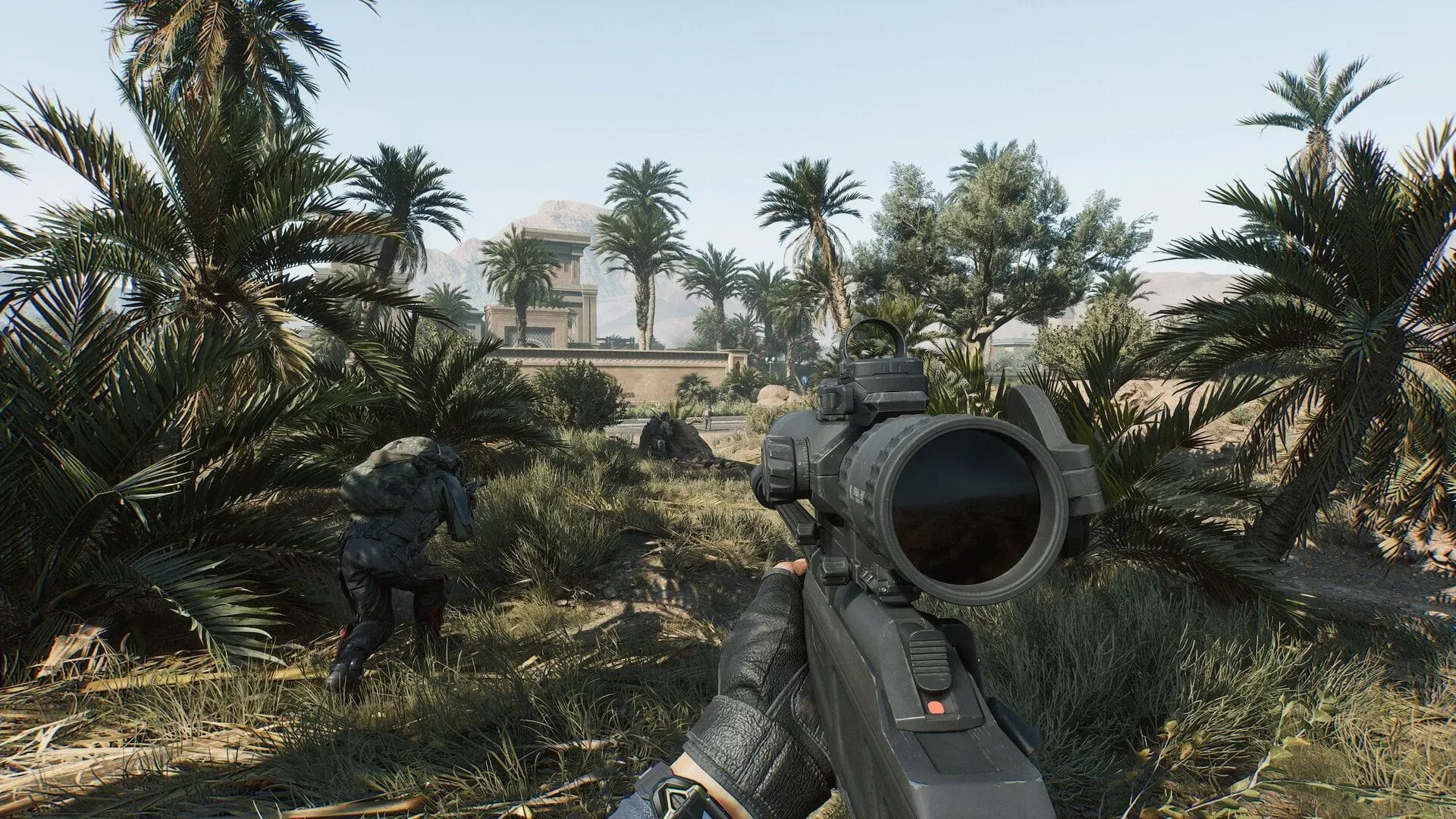
He booted up the game on the 3080 machine, a 1440p monitor humming at 165Hz. The graphics card, a loyal warrior from the Ampere era, didn’t even flinch. Average framerates sat comfortably between 130 and 150 fps with everything cranked to Extreme, and the visual fidelity was… well, it made him pause mid-action. There’s something about how Delta Force renders its mud-splattered goggles and flickering shadows that still feels a generation ahead.
Mark leaned back, rubbing his chin. “Balanced, not batty,” he said out loud – a little mantra he’d picked up from endless forum debates. For the 3080, he landed on a suite of tweaks that squeezed every ounce of smoothness without sacrificing that cinematic oomph. Here’s the recipe he scribbled down:
| Setting | Value |
|---|---|
| Monitor | Default |
| Display Adapter | Auto |
| Display Mode | Fullscreen |
| Resolution | 2560 x 1440 |
| Display Refresh Rate | 165 |
| Aspect Ratio | Auto |
| Brightness | Personal pref |
| Frame Rate Cap | Unlimited |
| Sharpness | 50 |
| V‑Sync | Off (G‑Sync handles it) |
| Default FOV | 120 |
| Scope Magnification | Off |
| Graphics Preset | Custom |
| Graphics Style | Realistic |
| Weapon Motion Blur | On |
| Reflections | Extreme |
| Texture Filtering | Extreme |
| Ambient Occlusion | Extreme |
| Particles | Extreme |
| Distortion | Extreme |
| Screen Details | Extreme |
| Scene View Distance | Extreme |
| Rendering Scale | 100 |
| Depth of Field | On |
| Global Illumination | Extreme |
| Shaders | Extreme |
| Textures | Extreme |
| Streaming | Extreme |
| Shadows | Extreme |
| Shadow Map | Extreme |
| Post‑Processing | Extreme |
| Volumetric Fog | Extreme |
| Animation | Extreme |
| Super Resolution Mode | Nvidia DLSS |
| Super Resolution | Balanced |
| Nvidia REFLEX | On |
The magic ingredient was DLSS set to Balanced. That little tweak gave the 3080 just enough breathing room to keep frame times consistent, even when a smoke grenade turned the screen into a grey pea soup. Mark couldn’t help but grin – the 3080 might not be the newest kid on the block, but it was still pulling off moves that would make younger cards blush.
The RTX 3080 Ti Steps Up to 4K
And then came the main event. Mark shuffled over to his primary station, where the RTX 3080 Ti sat under a custom loop, its fans barely spinning. He’d always treated this card like a caged beast; 4K was its natural hunting ground. With the monitor switched to 3840 x 2160 and refresh rate locked at 165Hz, he fired up the same dusty map. The card didn’t even bother to throw a warning – it just purred.
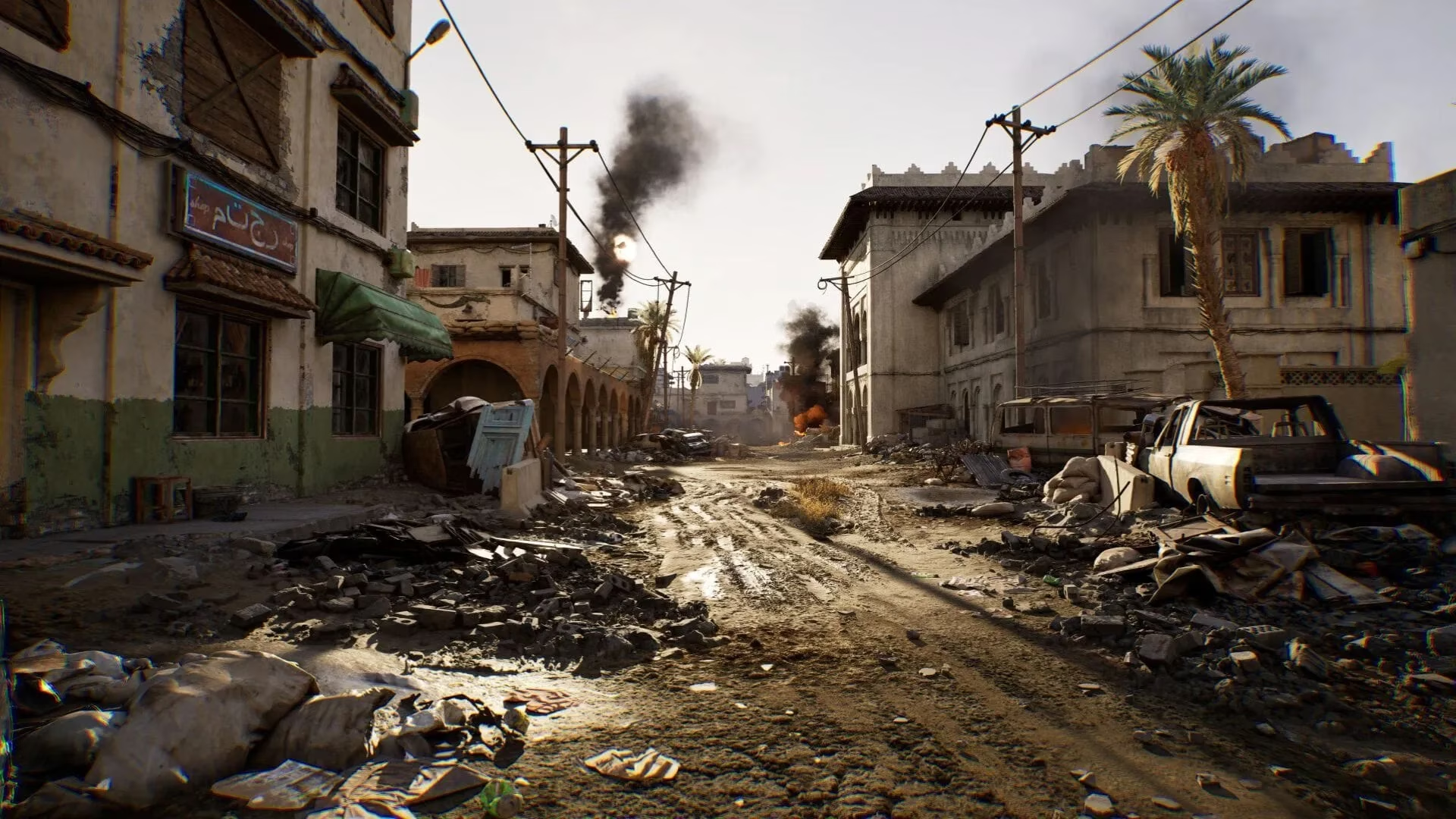
“Alright big fella, show me what you’ve got,” Mark whispered. The framerate counter shot up to around 130 fps at native 4K with the Extreme preset. The detail was absurd: every rivet on a downed chopper’s hull glinted in the low sunlight, and the volumetric fog curled around his boots like a living thing. He stood still for a moment, soaking it in. No stutter. No tearing. Just pure, unfiltered chaos rendered to perfection.
But Mark knew that in 4K, every frame counts. So he nudged the settings just a little. The changes were subtle but meaningful:
| Setting | Value |
|---|---|
| Resolution | 3840 x 2160 |
| Default FOV | 110 (tighter aim for distant targets) |
| Graphics Preset | Extreme |
| Super Resolution Mode | Nvidia DLSS |
| Super Resolution | Performance |
| Nvidia REFLEX | On |
| (All other settings remain as the RTX 3080 table above) |
Dropping DLSS to Performance mode was the secret sauce. It traded a sliver of razor‑sharpness for a noticeable boost in motion fluidity – exactly what you want when you’re scanning a pixel‑wide sniper nest across the map. The 3080 Ti took this in stride, its 12GB of VRAM barely breaking a sweat. “Man, this card is a total beast,” Mark laughed to himself. It was as if the years had no say in the matter.
A Timeless Partnership
Reflecting on the session, Mark realized something that would make any PC builder smile: great hardware, paired with a well‑optimized game, ages like fine wine. Delta Force in 2026 isn’t a relic – it’s a benchmark that still separates the efficient from the wasteful. Whether you’re rocking an RTX 3080 for silky 1440p or a 3080 Ti for jaw‑dropping 4K, the settings above will keep you in the fight without ever making you question your framerate counter. So go on, dust off that copy, crank those sliders, and let the old soldiers remind you why we fell in love with tactical shooters in the first place. They’ve earned their retirement, but they’re not quite ready to sit down yet.
For gamers like Mark who are always on the hunt for the best performance, finding great deals on the latest games is just as thrilling as optimizing settings. A well-timed purchase can make all the difference, allowing you to experience the cutting-edge graphics of titles like Delta Force without breaking the bank. Whether you're upgrading your game library or looking for that next tactical shooter to dive into, it pays to keep an eye on the latest offers.
If you're eager to explore new adventures or revisit classic ones, you might find what you're looking for at sites that specialize in gaming deals. One such platform is PC game discounts at DealNest. It offers a wide array of discounted titles, making it easier to expand your collection while keeping your budget intact. So, as you adjust your graphics settings to perfection, consider pairing that experience with some smart shopping to enhance your gaming journey even further.
It was a dreary autumn evening in 2026 when Mark decided to dust off his digital library. Among the dozens of titles he had blazed through over the years, one name caught his eye: Delta Force. The tactical shooter had released with a bang back in December 2024, and even now, two years later, its gritty realism and fluid gunplay remained unmatched in the genre. He glanced over at his system – a trusty rig still powered by an RTX 3080 Ti, a card that had become something of an old warhorse. “Heck, let’s see if you’ve still got it,” Mark murmured to the GPU, almost as if it could hear him.
He hadn’t touched the game’s settings since the initial install, and a quick pang of nostalgia made him remember the optimization wizardry TiMi Studio Group had pulled off. Even back then, a humble GTX 1060 could join the fight, which meant his RTX 3080 series cards were basically yawning through the workload. But as any seasoned player knows, stable frames beat pretty pixels – you don’t want a stutter right when an enemy’s helmet fills your crosshair. So, Mark decided to do a full settings audit, starting with the plain RTX 3080 he had in a secondary LAN rig, just to see how things had aged.
The RTX 3080 at 1440p: A Gentleman’s Setup
He booted up the game on the 3080 machine, a 1440p monitor humming at 165Hz. The graphics card, a loyal warrior from the Ampere era, didn’t even flinch. Average framerates sat comfortably between 130 and 150 fps with everything cranked to Extreme, and the visual fidelity was… well, it made him pause mid-action. There’s something about how Delta Force renders its mud-splattered goggles and flickering shadows that still feels a generation ahead.
Mark leaned back, rubbing his chin. “Balanced, not batty,” he said out loud – a little mantra he’d picked up from endless forum debates. For the 3080, he landed on a suite of tweaks that squeezed every ounce of smoothness without sacrificing that cinematic oomph. Here’s the recipe he scribbled down:
| Setting | Value |
|---|---|
| Monitor | Default |
| Display Adapter | Auto |
| Display Mode | Fullscreen |
| Resolution | 2560 x 1440 |
| Display Refresh Rate | 165 |
| Aspect Ratio | Auto |
| Brightness | Personal pref |
| Frame Rate Cap | Unlimited |
| Sharpness | 50 |
| V‑Sync | Off (G‑Sync handles it) |
| Default FOV | 120 |
| Scope Magnification | Off |
| Graphics Preset | Custom |
| Graphics Style | Realistic |
| Weapon Motion Blur | On |
| Reflections | Extreme |
| Texture Filtering | Extreme |
| Ambient Occlusion | Extreme |
| Particles | Extreme |
| Distortion | Extreme |
| Screen Details | Extreme |
| Scene View Distance | Extreme |
| Rendering Scale | 100 |
| Depth of Field | On |
| Global Illumination | Extreme |
| Shaders | Extreme |
| Textures | Extreme |
| Streaming | Extreme |
| Shadows | Extreme |
| Shadow Map | Extreme |
| Post‑Processing | Extreme |
| Volumetric Fog | Extreme |
| Animation | Extreme |
| Super Resolution Mode | Nvidia DLSS |
| Super Resolution | Balanced |
| Nvidia REFLEX | On |
The magic ingredient was DLSS set to Balanced. That little tweak gave the 3080 just enough breathing room to keep frame times consistent, even when a smoke grenade turned the screen into a grey pea soup. Mark couldn’t help but grin – the 3080 might not be the newest kid on the block, but it was still pulling off moves that would make younger cards blush.
The RTX 3080 Ti Steps Up to 4K
And then came the main event. Mark shuffled over to his primary station, where the RTX 3080 Ti sat under a custom loop, its fans barely spinning. He’d always treated this card like a caged beast; 4K was its natural hunting ground. With the monitor switched to 3840 x 2160 and refresh rate locked at 165Hz, he fired up the same dusty map. The card didn’t even bother to throw a warning – it just purred.
“Alright big fella, show me what you’ve got,” Mark whispered. The framerate counter shot up to around 130 fps at native 4K with the Extreme preset. The detail was absurd: every rivet on a downed chopper’s hull glinted in the low sunlight, and the volumetric fog curled around his boots like a living thing. He stood still for a moment, soaking it in. No stutter. No tearing. Just pure, unfiltered chaos rendered to perfection.
But Mark knew that in 4K, every frame counts. So he nudged the settings just a little. The changes were subtle but meaningful:
| Setting | Value |
|---|---|
| Resolution | 3840 x 2160 |
| Default FOV | 110 (tighter aim for distant targets) |
| Graphics Preset | Extreme |
| Super Resolution Mode | Nvidia DLSS |
| Super Resolution | Performance |
| Nvidia REFLEX | On |
| (All other settings remain as the RTX 3080 table above) |
Dropping DLSS to Performance mode was the secret sauce. It traded a sliver of razor‑sharpness for a noticeable boost in motion fluidity – exactly what you want when you’re scanning a pixel‑wide sniper nest across the map. The 3080 Ti took this in stride, its 12GB of VRAM barely breaking a sweat. “Man, this card is a total beast,” Mark laughed to himself. It was as if the years had no say in the matter.
A Timeless Partnership
Reflecting on the session, Mark realized something that would make any PC builder smile: great hardware, paired with a well‑optimized game, ages like fine wine. Delta Force in 2026 isn’t a relic – it’s a benchmark that still separates the efficient from the wasteful. Whether you’re rocking an RTX 3080 for silky 1440p or a 3080 Ti for jaw‑dropping 4K, the settings above will keep you in the fight without ever making you question your framerate counter. So go on, dust off that copy, crank those sliders, and let the old soldiers remind you why we fell in love with tactical shooters in the first place. They’ve earned their retirement, but they’re not quite ready to sit down yet.
For gamers like Mark who are always on the hunt for the best performance, finding great deals on the latest games is just as thrilling as optimizing settings. A well-timed purchase can make all the difference, allowing you to experience the cutting-edge graphics of titles like Delta Force without breaking the bank. Whether you're upgrading your game library or looking for that next tactical shooter to dive into, it pays to keep an eye on the latest offers.
If you're eager to explore new adventures or revisit classic ones, you might find what you're looking for at sites that specialize in gaming deals. One such platform is PC game discounts at DealNest. It offers a wide array of discounted titles, making it easier to expand your collection while keeping your budget intact. So, as you adjust your graphics settings to perfection, consider pairing that experience with some smart shopping to enhance your gaming journey even further.